Sub-Zero Display Messages & Service Mode Explained
Many Sub-Zero panel words are messages, not error codes. “Service” is a prompt to check the unit; “tested” is a self-test status; SNOOZE just mutes an alarm. Letters like EC, EE, PA and the AFT alarm point to cooling, sensor or board faults that need a technician — while an “F” is usually just Fahrenheit and “50/50” a zone setting. Read the message in diagnostic mode, then call (650) 484-4687 if it persists.
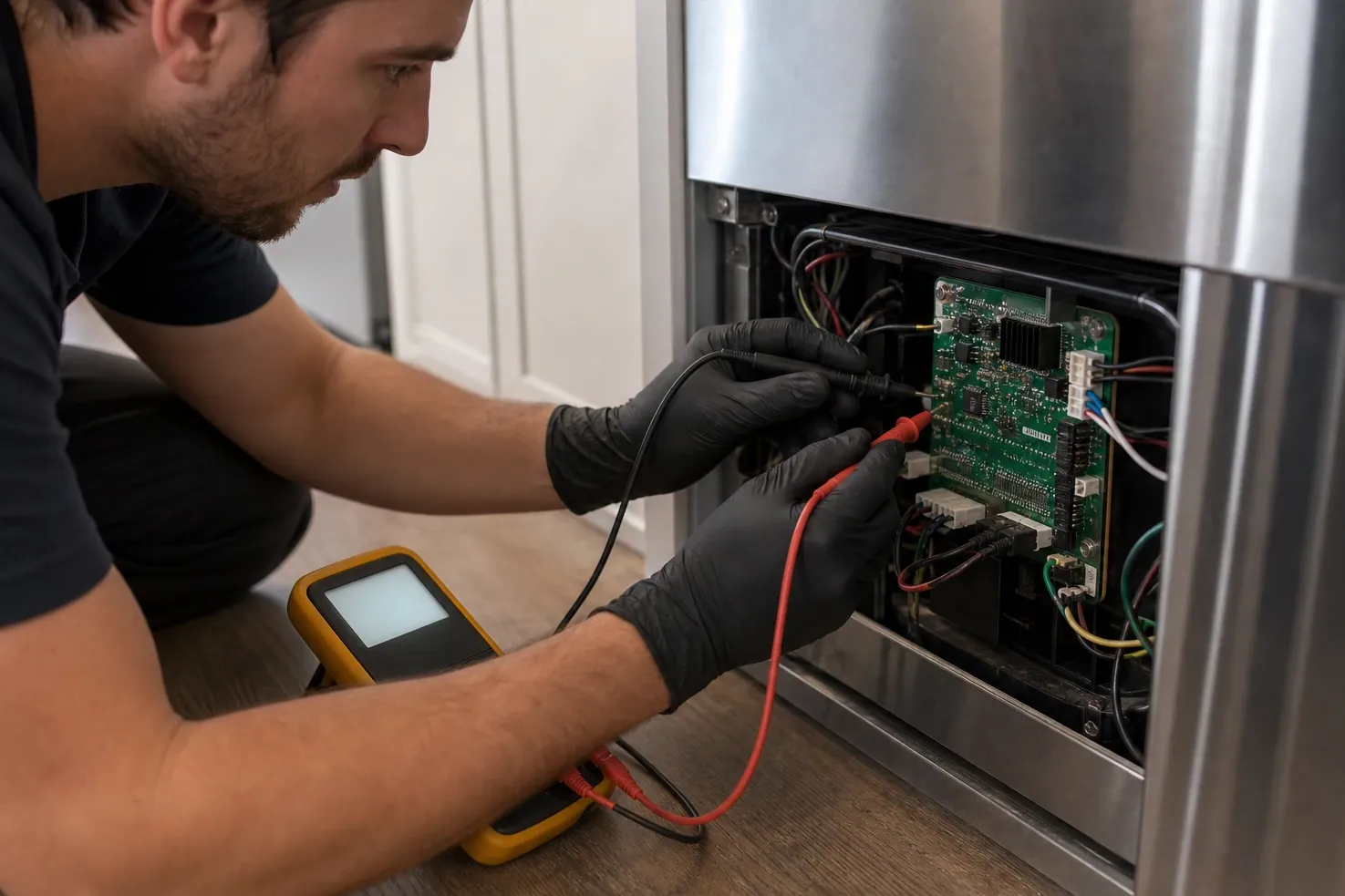
Messages vs. error codes — what is the difference?
A Sub-Zero error code is a structured fault reference (our error-code hub lists those in a table). A display message is the broader set of words and prompts the panel shows: status words, alarm reminders, zone settings and self-test notes. Many of them are harmless or just informational — the trick is knowing which message is a setting, which is a muted alarm, and which is a real fault you should not clear yourself.
This page is a plain-language glossary of those messages. For the full numeric code table and per-code fixes, use the error-codes page; to read stored codes, see service mode.
Display-message glossary
What each message means and whether it is safe to clear yourself. Exact behavior varies by model and control generation — confirm against your unit’s service guide.
| What you see | What it means | Safe to clear yourself? |
|---|---|---|
| “Service” | The control has flagged a fault or a due maintenance reminder and wants the unit looked at — it is a prompt to read diagnostic mode, not a single part. | Read the code first; the light can be reset after the cause is addressed. |
| “tested” | A status word that appears while the control runs or finishes a self-test of a component — informational, not a failure on its own. | Usually clears itself once the test cycle ends. |
| SNOOZE (e.g. “snooze 40140”) | You silenced the door/temperature alarm; the trailing number is the alarm event still logged underneath. The alarm is muted, the condition is not fixed. | Snoozing is safe; investigate why the alarm triggered. |
| EC | An evaporator / sealed-system class alert — often shown on the ice maker or freezer ice maker when airflow, defrost or cooling is out of range. | No — note it and book a diagnosis. |
| EE | A sensor / memory class fault — the control cannot read a sensor or its stored data correctly. | No — needs a technician with a meter. |
| PA (e.g. “T7510 PA”) | A power / partial-alarm style message; the leading number is the model or board reference. It points to a control or power-supply condition. | No — confirm in diagnostic mode, then call. |
| AFT controller alarm | An alarm raised by the AFT (air-flow / temperature) controller board — a board-level fault prompt, not a user setting. | No — board-level; have it diagnosed. |
| “F” on the panel | Most often the temperature unit set to Fahrenheit (F vs C), not an error. If it flashes with a number it can instead be a fault prefix. | If it is the °F label, harmless. If flashing with a code, note it. |
| Numeric (1502 / 15201 / 10C / “685”) | Internal event/reference numbers the control logs (a fault event, a firmware/board ref, or a position like “685” on a door display). Meaning is model-specific. | No — record the exact digits before clearing. |
| Wine cooler EE codes (10E, 15E) | Wine-storage sensor/zone faults — a temperature-zone sensor on a 400-series wine unit reading out of range. | No — wine controls differ; book a diagnosis. |
| “50/50” | On dual-zone units this typically reflects a 50/50 zone split or a paired display state, not a fault. On other panels it can be a stored reference. | Usually a setting/state, not an error. |
Which messages are safe to clear — and which mean “call”
Generally safe to leave or clear: an “F” that is just the Fahrenheit label, a “tested” status, a “50/50” zone state, and snoozing an alarm so it stops beeping. None of these indicate a broken part by themselves.
Generally a real fault to diagnose: EC (sealed-system / ice-maker cooling), EE (sensor or memory), PA (power/control), the AFT controller alarm, and wine-cooler 10E / 15E. For these, record the exact characters — do not reset to make them vanish. Resetting a recurring alert hides a problem that will return, often worse. If a code points at the sealed system, it cannot be confirmed from the panel at all.
Before you clear anything
- Write the exact message down first — characters, whether active or stored, and the cabinet temperatures.
- Do not defeat door switches, bridge wiring, or run the compressor to “test” a sealed-system message.
- Never reset the service light just to silence a recurring alert — a returning message is an unresolved fault.
- If you smell burning, see exposed wiring, or the panel is dead, stop and call (650) 484-4687.
How to read diagnostic mode & reset the service light
-
Have your model and serial ready and confirm the matching Sub-Zero service guide — entry is not identical across BI, PRO, Classic, Designer and wine generations.
-
Note any message already on the display first (for example EC, EE or a number) before you change anything; a live message is the most useful reading.
-
On many units the documented method is to press and hold the power/on-off area and a colder (down) temperature pad together until the panel enters diagnostic mode; the exact pads vary by model — follow the guide for yours.
-
Read and write down the exact characters and whether each is active or stored, along with the cabinet temperatures, in monospace, e.g. EC 40.
-
Exit per the guide so the control returns to normal cooling; on units with a “Service” reminder, the documented reset (often the same on-off + colder hold, or a settings menu) clears the service light once the cause is resolved.
-
If the message returns after a reset, stop — a recurring alert means an unresolved fault. Look it up on our error-code hub or call (650) 484-4687.
Need the exact entry for your model? Our service-mode guide covers entry by series, and the model-number guide shows where your serial hides. Same-day service is available across the Bay Area, including Palo Alto and the Peninsula.
Display-message FAQ
What does it mean when my Sub-Zero panel shows “Service”?
It means the control has flagged a fault or a due-maintenance reminder and wants the unit checked — it is a prompt, not a specific broken part. Enter diagnostic mode to read the underlying code, address the cause, then reset the service light. If you reset it and it returns, there is an unresolved fault that needs a technician.
What does “tested” mean on the display?
It is a status word the control shows while it runs or completes a self-test of a component or cycle. On its own it is informational and usually clears when the test finishes — it is not a failure code. If a fault message appears alongside or after it, note that code instead.
What is the SNOOZE alarm and the “snooze 40140” message?
Snooze means you have temporarily silenced the door-open or high-temperature alarm. The trailing number (for example 40140) is the logged alarm event underneath. Snoozing is safe, but it only mutes the sound — it does not fix what triggered the alarm. Check that the door seals, the cabinet is reaching temperature, and the condenser is clean; if the alarm keeps returning, book a diagnosis.
What does the EC error mean, especially on the ice maker?
EC is an evaporator / sealed-system class alert — the control sees a cooling, defrost or airflow problem. It often surfaces on the freezer ice maker because that section is sensitive to frost build-up and airflow loss. EC is not a DIY clear: note the exact code and have the sealed system and defrost circuit checked, because confirming it needs pressure and electrical evidence.
What is the EE error on a Sub-Zero?
EE is a sensor or memory class fault — the control cannot read a sensor or its stored data correctly. It points to a thermistor, a wiring connection, or the control board itself. It is not safe to assume which; a technician confirms with a meter. Record the code and any cabinet temperatures before the visit.
What does PA mean, like “T7510 PA”?
PA is a power / partial-alarm style message; the leading characters (such as T7510) are a model or board reference, not part of the alarm. It points to a control or power-supply condition. Read it in diagnostic mode and note it exactly — it is not a self-clear item, so call once you have the code.
What is the AFT controller alarm?
It is an alarm raised by the AFT (air-flow/temperature) controller board — a board-level prompt rather than a user setting. Because it originates at the control, it should be diagnosed rather than cleared blindly. Note the exact wording and any companion code.
My panel just shows an “F” — is that an error?
Most often the “F” is simply the temperature unit set to Fahrenheit rather than Celsius, which is harmless. If instead it flashes together with a number, it can be a fault prefix — in that case write down the full characters and treat it like any other code. A steady “°F” next to the set temperature is just the unit label.
What about numeric messages like 1502, 15201, 10C or “685” on the door?
These are internal event or reference numbers the control logs — a fault event, a firmware/board reference, or a display position like “685” on a door panel. Their meaning is model-specific, so do not assume a fix from the number alone. Record the exact digits and whether they are active or stored, then look them up or read them to us.
What do wine-cooler EE codes like 10E and 15E mean?
On 400-series wine storage, 10E and 15E indicate a temperature-zone sensor reading out of range — wine controls use different sensors and logic than the food units. They are not a safe self-clear; a technician confirms whether it is the sensor, the wiring, or the control before any part is fitted.
What does “50/50” mean on the display?
On dual-zone units “50/50” typically reflects a 50/50 zone split or a paired-display state rather than a fault. On some panels it can be a stored reference value. If your cabinet is holding temperature normally, it is almost always a setting or state, not an error — but if cooling is off alongside it, note it and have it checked.
Can I reset the service light myself, or should I call?
You can reset the service light once the underlying cause is resolved, using the documented reset for your model. The key rule: never reset to make a recurring message disappear. If the alert comes back after a reset — or it is a sealed-system (EC), sensor/board (EE, PA, AFT) or wine (10E/15E) class message — that is a real fault to diagnose, not a light to clear. Call (650) 484-4687 if it persists.
Independent appliance repair service. We are not affiliated with, authorized by, or certified by Sub-Zero Group, Inc. or Wolf; brand names are used for descriptive purposes only. This guide is general information — always confirm against your model’s service documentation.