Sub-Zero Service Mode & Diagnostic Mode
Sub-Zero service (diagnostic) mode is a built-in control state that surfaces stored fault and error codes so a technician can see what the appliance has recorded. How you enter and exit it is not universal — it changes by model series and control generation (BI, PRO, Classic, Designer and wine units all differ), and some older Classic units have no on-screen codes at all. Always confirm the exact method against your model’s service guide, or read the code to us at (650) 484-4687.
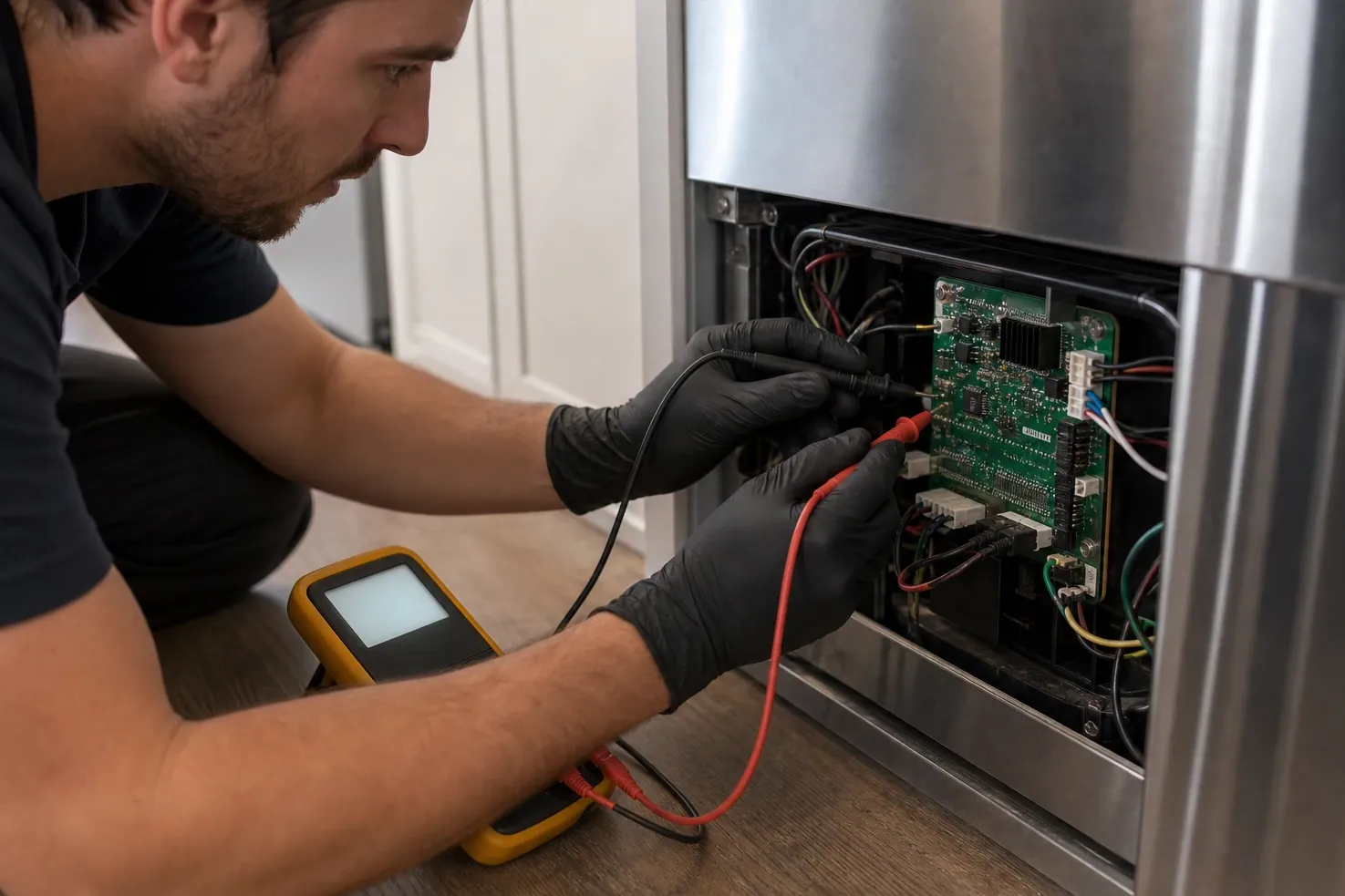
What “service mode” means on a Sub-Zero
On most modern Sub-Zero units, the control board logs faults as short codes — a live EC code on the display, or a history of stored events you reach through a documented panel sequence. Service mode is simply the state where those readings are made visible. It is a reading tool, not a repair: the code narrows down which subsystem (defrost, evaporator fan, sealed system, sensors) is involved, but the exact cause and part still depend on the model and an on-site check.
Because Sub-Zero has shipped many control generations over the years, there is no single button combination that works on every refrigerator. A sequence that surfaces codes on one BI-42 may do nothing on a Classic 600 or a 400-series wine unit. That is why this page stays generic and points you to the per-model service guide instead of inventing a one-size-fits-all shortcut.
Entry by model series — confirm in the service guide
The table below is intentionally generic. Use it to understand the type of entry each family uses, then confirm the exact steps in your unit’s service guide. Codes and model numbers are shown in monospace.
| Model series | Typical entry | Notes |
|---|---|---|
| Built-In (BI 36/42/48) | A control-panel button combination or a press-and-hold on the display | Varies by model and control generation; confirm in the unit’s service guide. |
| PRO (PRO 48 / column) | A press-and-hold or multi-button sequence on the touch/display panel | Pro electronics differ from BI; varies by model — confirm in the service guide. |
| Classic 600–700 series | Older units often have no on-screen code display; faults read from the board | Generation-dependent; many legacy boards need a meter, not a menu. Confirm in the service guide. |
| Designer / Integrated (columns & drawers) | A display press-and-hold or hidden control combination | Panel-ready electronics vary widely by build year; confirm in the service guide. |
| Wine Storage (400-series) | A control-panel combination to surface stored temperature/sensor codes | Wine controls differ from food units; varies by model — confirm in the service guide. |
What a code actually reveals — and what it doesn’t
A service-mode code is a pointer, not a diagnosis. It tells you which subsystem the control is unhappy about, which narrows the search — but the same characters can map to different parts across model generations, so a code is the start of the work, not the end of it. Below is the kind of subsystem a displayed code typically points toward.
-
Sensor & temperature faults
A code may flag a thermistor reading out of range. That can mean a failed sensor, a wiring fault, or a control that is misreading a good sensor — only a meter confirms which.
-
Evaporator-fan & airflow
A fan-related code points to the part that circulates cold air. It could be the motor itself, ice blocking the blade, or a control output — the cabinet symptom guides the on-site check.
-
Defrost circuit
A defrost-related code suggests the unit isn’t clearing frost from the evaporator. The cause might be a heater, a defrost sensor, or a timing fault — all distinct repairs.
-
Sealed-system & compressor
A code in this area is the most serious. It cannot be confirmed from the panel — it needs pressure and electrical evidence before any quote, never a guess.
Because the mapping is model- and generation-specific, treat any meaning you read online as a starting hypothesis. Cross-check the exact characters on our error-code hub, or read them to us and we’ll confirm the likely fix for your specific model.
Safety — what not to do
- Do not defeat or bridge the door switches to “keep the light on” while testing.
- Never bridge wiring or force the compressor to run to confirm a sealed-system fault — that risks the unit and you.
- Do not pull the built-in unit out of its enclosure to chase a code; clearances and water lines are easy to damage.
- Do not clear stored codes before a technician sees them — historic faults help diagnose intermittent problems.
- If you smell burning, see exposed wiring, or the panel is dead, stop and call (650) 484-4687.
How to safely read a displayed code
-
Have your model and serial number ready and locate the matching Sub-Zero service guide for that exact model — entry and codes are not universal across generations.
-
Do not pull the unit, defeat door switches, or bypass any safety interlock; never bridge wiring or run the compressor to “test” it.
-
Wake the control panel and note any code already shown on the display before you change anything — a live fault is the most useful reading.
-
Follow only the entry method printed in that model’s service guide to surface stored or historic codes; if no method is listed, the unit may have no on-screen code display.
-
Write the exact code, its position (active vs. stored), and the cabinet temperatures in monospace, e.g. EC 40, exactly as shown.
-
Exit the mode per the guide so the control returns to normal cooling, then look the code up on our error-code hub or call (650) 484-4687 to confirm the fix.
Once you have the exact characters, look them up on our Sub-Zero error-code hub for the likely cause and the owner check — or, if the cabinet is warming, see what to do when a Sub-Zero refrigerator won’t hold temperature and book a visit. Same-day service is available across the Bay Area, including Palo Alto and the Peninsula.
Read a code, get a straight answer
Owners who note the exact code before calling get a faster, surer fix — here is how that looks across the Bay Area.
Service-mode FAQ
Is there one Sub-Zero service-mode button sequence for every model?
No. Entry into service or diagnostic mode is not universal — it changes by model series and control generation (BI, PRO, Classic, Designer and wine units all differ). Always confirm the exact method in the service guide for your specific model number, or call us and read the code over the phone.
Can reading service mode break my Sub-Zero?
Reading a displayed code is low-risk if you only follow the documented entry and exit steps. The risk comes from bypassing door switches, bridging wiring, or running the sealed system to “test” it. Never defeat a safety interlock — note the code and stop there.
What does a code like EC 40 actually tell me?
A code points to a subsystem (for example, a defrost, evaporator-fan or sealed-system fault), not a single guaranteed part. The exact meaning depends on the model and generation, so the same characters can map to different faults across units. Confirm against the service guide or our error-code hub before buying parts.
My Classic Sub-Zero has no code on the display — why?
Many Classic 600–700 series units predate on-screen diagnostics, so faults are read from the control board with a meter rather than a menu. There may be no service mode to enter. A technician diagnoses these by measuring components directly.
Should I clear stored codes before the technician arrives?
No. Leave stored and historic codes in place — they help the technician see intermittent faults that may not be active during the visit. Just write down what you saw, including cabinet temperatures, and have the model and serial ready.
What is the difference between an active and a stored code?
An active code is a fault the control is detecting right now; a stored or historic code is one it logged earlier that may not be present at the moment. Both matter: active codes point to the current problem, while stored codes reveal intermittent faults that come and go. Note which type each code is — it changes how a technician interprets it.
Will entering service mode reset or erase my temperature settings?
Generally no — reading codes in service mode is a diagnostic state, not a factory reset, so your set temperatures should be unaffected if you only follow the documented entry and exit steps. The behavior can vary by model and generation, though, so confirm in your unit’s service guide and avoid any "reset" or "clear" option you do not understand.